
IPTV Smarters
A multi-platform player whose available builds and terms depend on its publisher.
Read the guide →Compare supported third-party IPTV players, view example screenshots and ask for the current official Crystal app download.
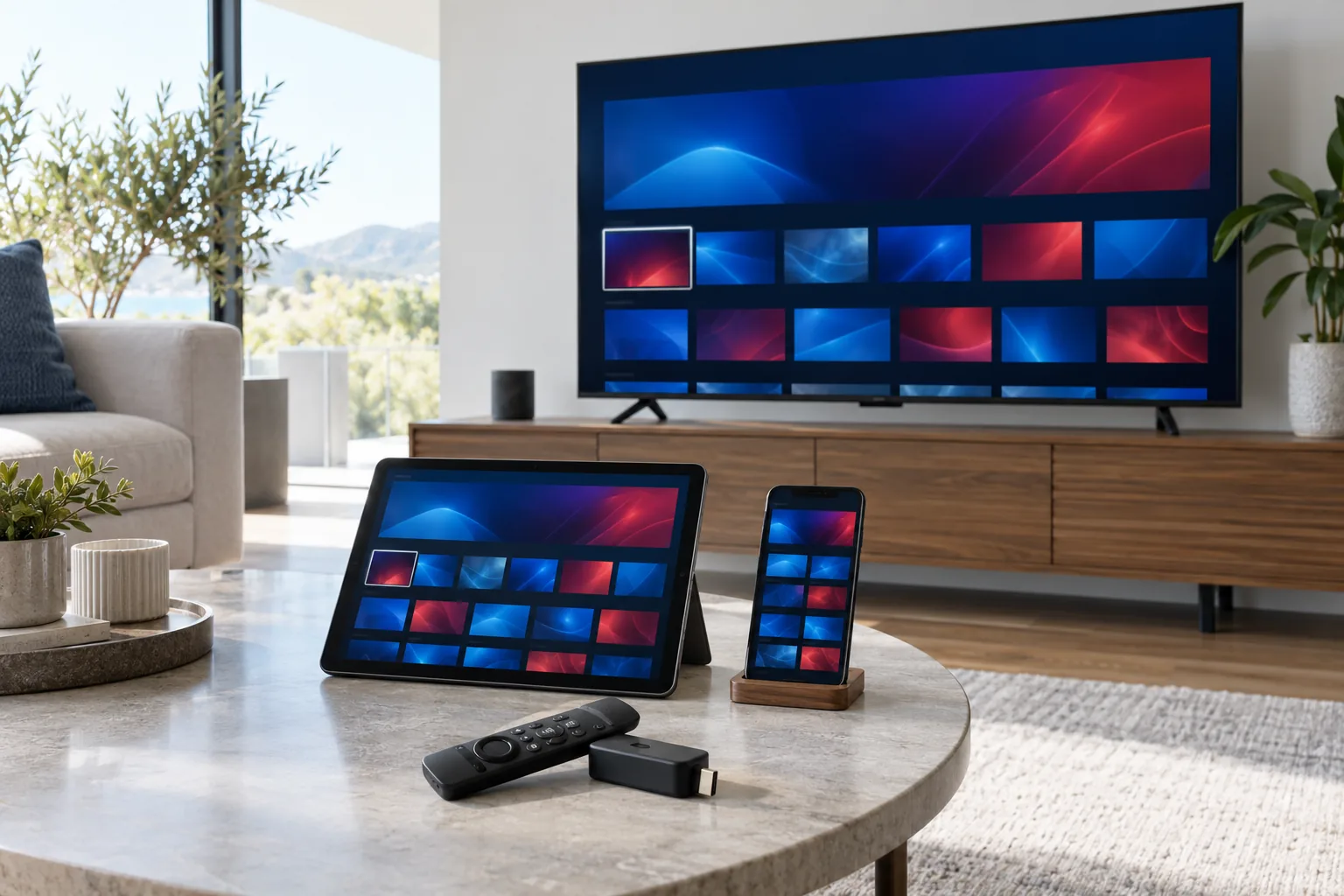
The player reads access details and displays the guide. Availability, app fee and features differ by platform.
Choose an app that supports your exact device.
An external app may require a separate payment.
Use only the private details supplied to your account.
Screens below are third-party player examples from the supplied asset set; interfaces and availability can change.
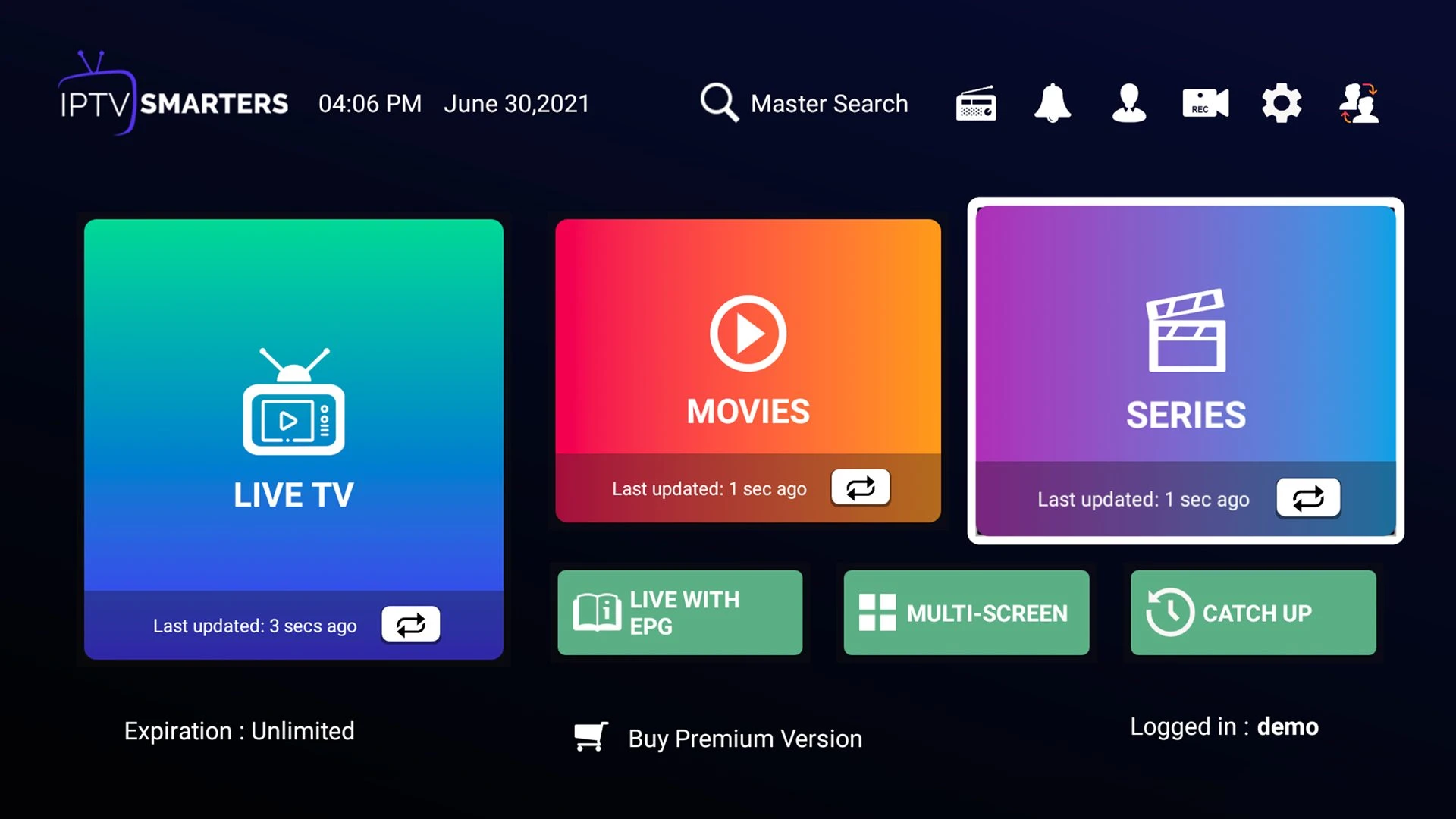
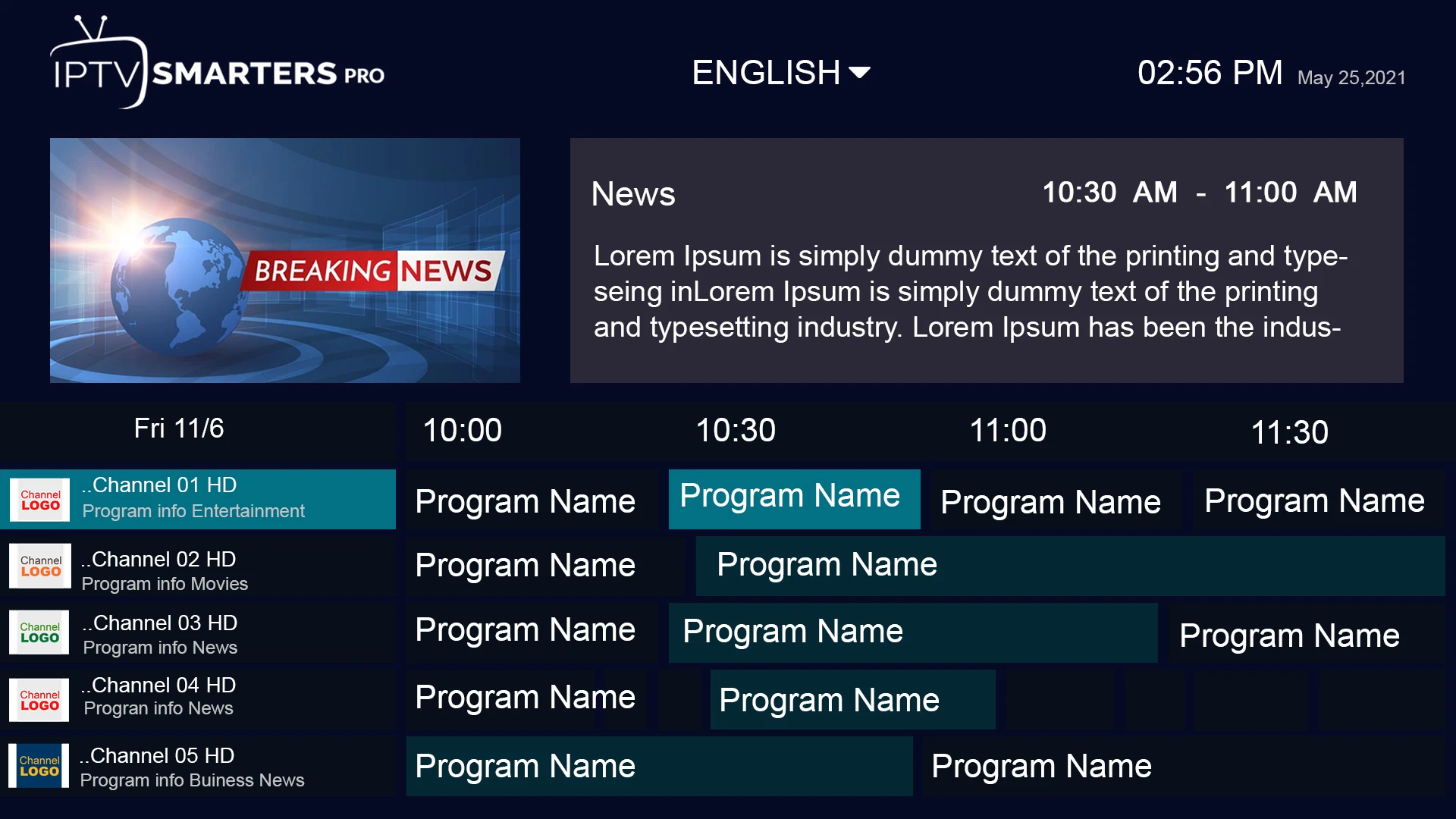
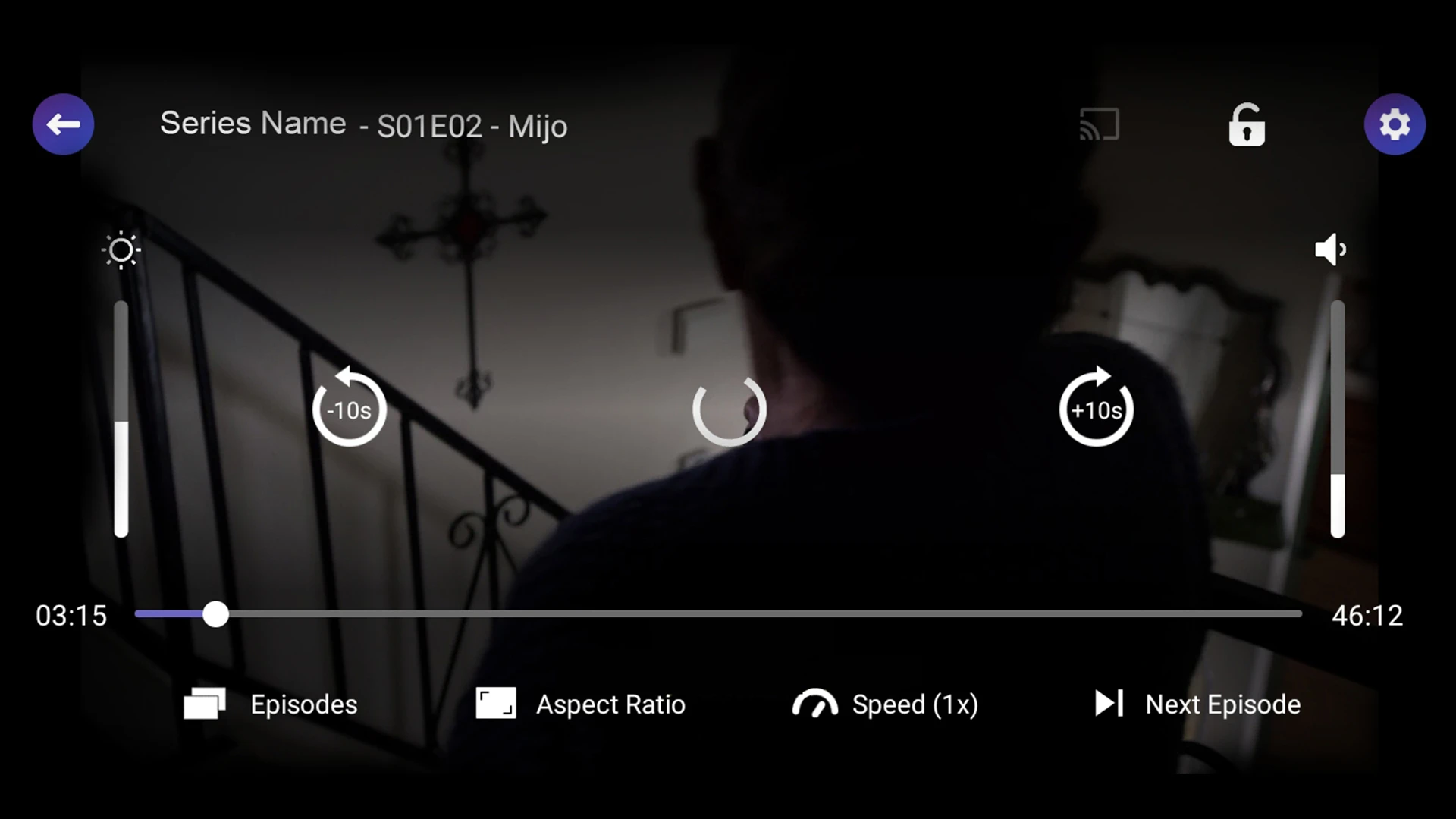
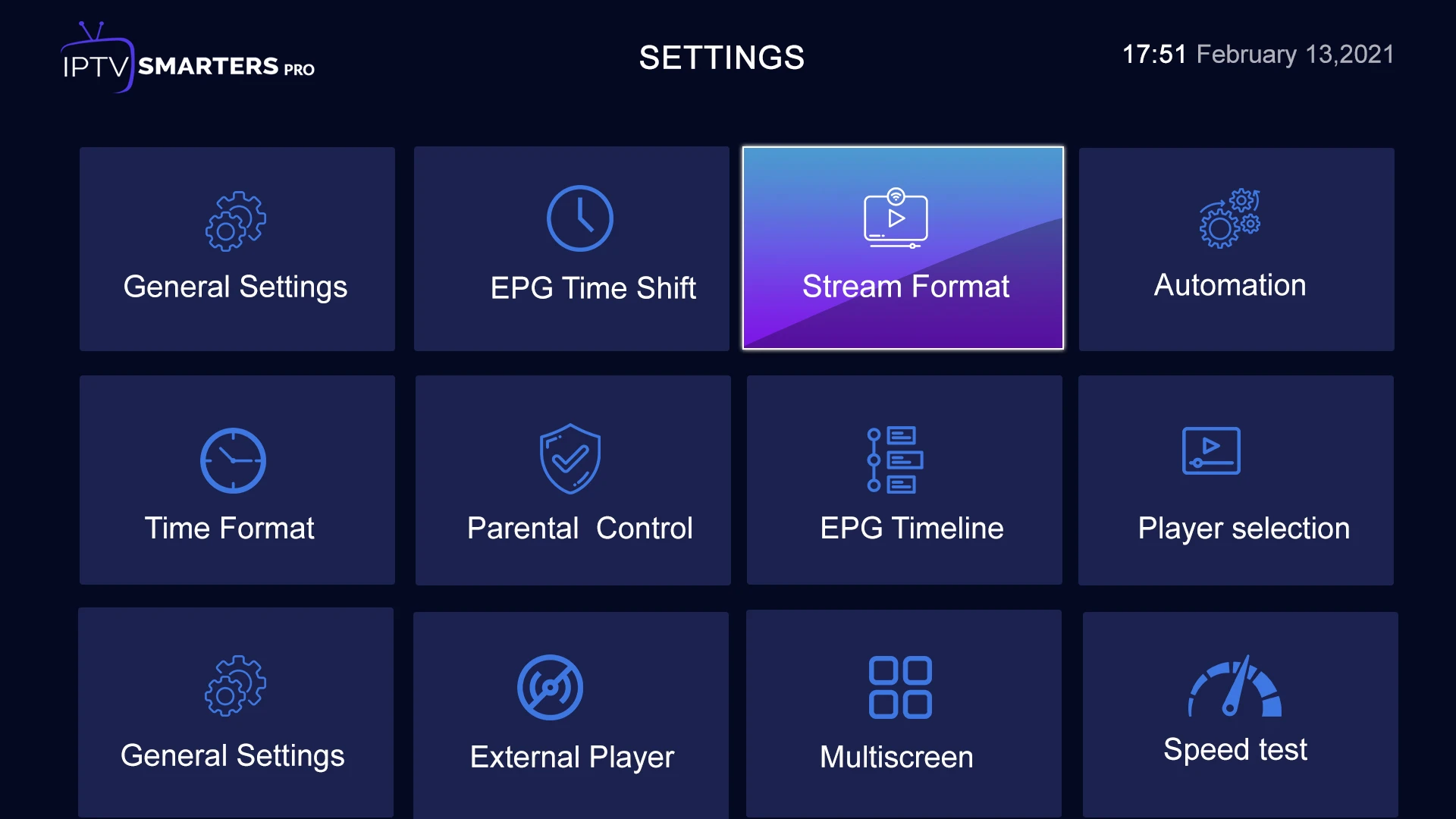
Use official app stores and check current publisher information.
A multi-platform player whose available builds and terms depend on its publisher.
Read the guide →A TV-focused player with guide and playlist management features.
Read the guide →A player interface offered in some Android device ecosystems.
Read the guide →An app with activation terms set by its own developer.
Read the guide →Check current platform support and app licensing before relying on older setup guides.
Read the guide →A general media player useful for basic stream tests but not always full IPTV guide management.
Read the guide →A media center whose IPTV options depend on supported add-ons and settings.
Read the guide →Confirm device compatibility and current availability before installing.
Read the guide →A Formuler device player with model-specific account setup.
Read the guide →Direct answers are better than sweeping promises.
It provides the selected term for the service account, access details and support with compatible player setup. Check the current channel and on-demand availability before buying.
Many compatible players run on Fire TV, Android TV, Samsung and LG platforms. App availability depends on the exact device and market.
Some player apps charge their own activation fee. Confirm app licensing separately; the subscription price does not automatically cover it.
Ask support to confirm the simultaneous connection allowance for the specific account before ordering.
No. Listings, regional rights and replay windows can change. Ask support about a specific event, station or title before purchasing for it.
Guide data depends on the channel mapping and player. Check the EPG on the specific device you plan to use.
No. The source, device and network all affect resolution. HD and higher resolutions are available only for supported streams.
After an order request and payment confirmation, the support team provides the required activation details using the confirmed contact method.
Read the published refund policy and confirm the applicable terms with support before payment. Do not rely on promotional badges or assumptions.
Credits are used in the reseller panel to create or renew customer accounts. Ask for the current credit-to-duration mapping before pricing your own packages.
This package provides an order request form and WhatsApp handoff. It does not collect card details or process payments on the site.
Use WhatsApp +44 7532 814802 or email [email protected] with your device, app name, account reference and a clear error description.